Tutorial: Cracking GPG File Passwords with gpg2john and John the Ripper
2026-02-20 · 2 min read
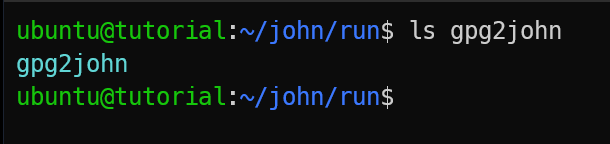
Figure 1: gpg2john
Have you ever encrypted a file with GPG and later forgotten the password?
If the file was protected using a passphrase, there is still a way to attempt recovery. That is where gpg2john becomes useful.
Description
It is a small utility included in the Jumbo version of John the Ripper. It extracts a crackable hash from a password-protected GPG file. Once the hash is generated, you can run offline password recovery attempts using wordlists or brute-force methods.
This method works only for symmetric encryption created with GnuPG using a passphrase. It does not apply to public key encrypted files.
How to use
1. Installation and Environment Setup
For the installtion and environment setup, please refer to our John the Ripper Installation Guide as gpg2john is part of the John Jumbo package.
2. Basic Command Syntax
Syntax is very easy. The goal is to take the GPG file as input and save the hash as output.
gpg2john protected_file.gpg > hash.txt- protected_file.gpg: Your target GPG file.
- > : The redirection operator that "writes" the result to a file.
- hash.txt: The destination file where the crackable hash is stored.
3. Step-by-Step Guide to GPG Password Recovery
We will start by creating a gpg file and encrypt it with a password.
Step 1: Create a Test File
echo "This is a secret message" > secret.txtVerify:
cat secret.txt
Figure 2: Creating and Verifying the test file
Step 2: Encrypt the File
gpg -c secret.txtIt will prompt to enter as passphrase. For the testing purpose, use password: password
You need to re-enter passphrase/password.
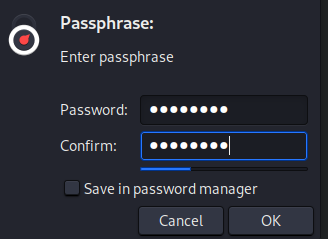
Figure 3: Encrypting GPG file
After encryption, you'll get:
secret.txt.gpg
Figure 4: Encrypted GPG file
Step 3: Extract Hash Using gpg2john
Ensure you have typed correct path.
Run:
gpg2john secret.txt.gpg > gpg_hash.txt
Figure 5: Running gpg2john to extract the hash
Check the hash:
cat gpg_hash.txtYou'll see something like:
$gpg$*0*.....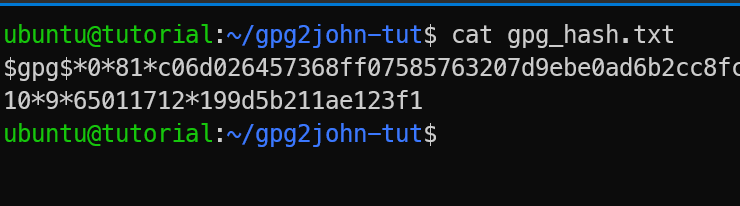
Figure 6: Extracted GPG hash
Step 4: Crack the GPG Hash with John
Run the following command:
john --format=gpg hash.txt --wordlist=/usr/share/wordlists/rockyou.txtThis will recover the password.
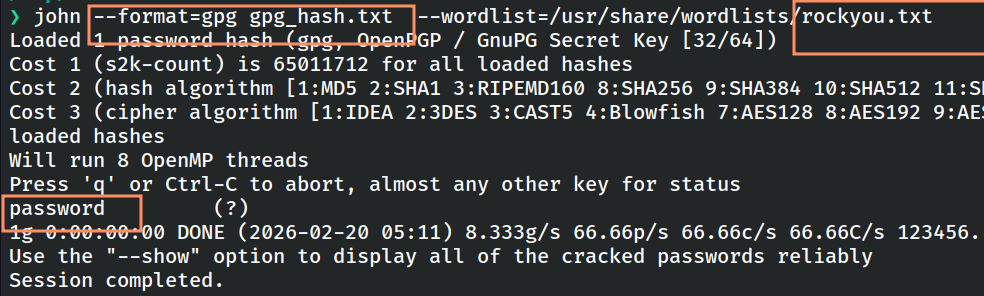
Figure 7: Running John the Ripper to crack the GPG hash
Extracting GPG Hashes Online
If you have problem installing John the Ripper, you can use the online alternative provided by KeyDecryptor at https://keydecryptor.com/hash-tools/gpg2john.
At the moment, this tool supports file upload-based extraction only.
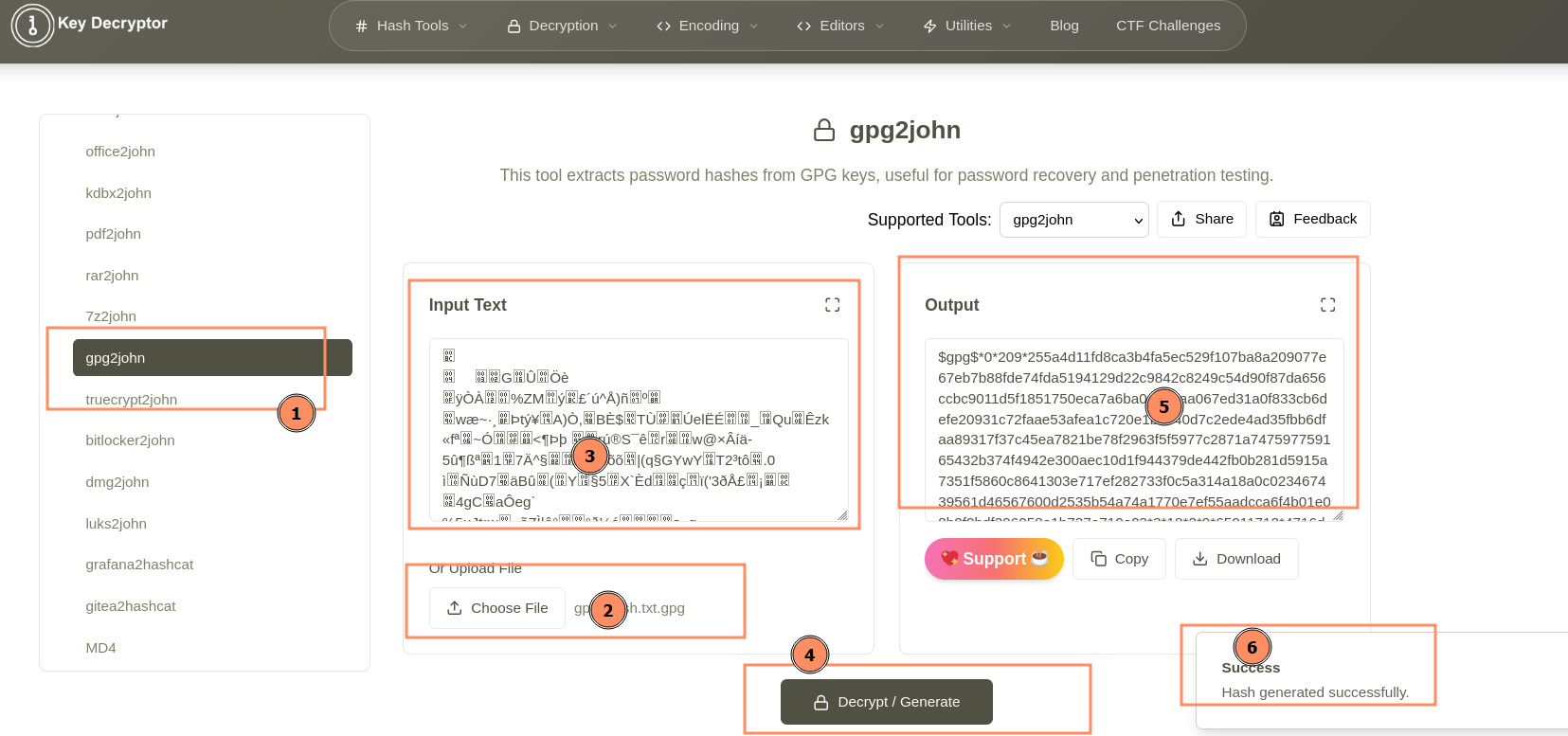
Figure 8: Online GPG2John tool