Installing John the Ripper: A Comprehensive Guide for Beginners
2026-02-22 · 2 min read
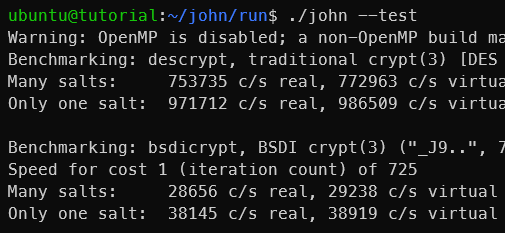
Figure 1: John the Ripper
Description
John the Ripper is a popular open-source tool for cracking passwords, widely used in security testing and digital forensics. It supports many hash and encryption formats, allowing for various attack methods like dictionary and brute force attacks.
The Jumbo version, often called John Jumbo, includes even more hash formats and utilities like zip2john and gpg2john. It's recommended for labs, CTF challenges, and real-world assessments due to its extended support and ongoing updates.
1. Installation and Environment Setup
For Kali Linux & Parrot OS & Other Ubuntu distributions:
These distributions come with the tool pre-installed. You can verify it by typing:
bashwhich john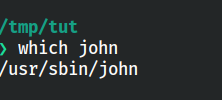
Figure 2: John the Ripper installed and available
If missing, install it via:
codesudo apt update -y && sudo apt install john -y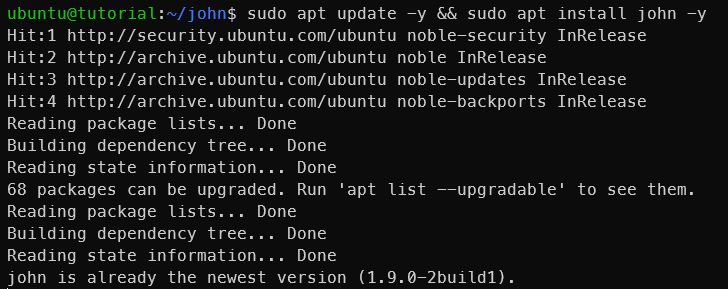
Figure 3: Installing John the Ripper
For Windows:
It is recommended to consider using Hash Suite.
For more info: https://hashsuite.openwall.net/
Other Linux Distributions:
a. Install necessary dependencies:
We need install required packages to build John the Ripper from source. Also make sure to update your package list before installing.
bashsudo apt update && sudo apt install build-essential libssl-dev git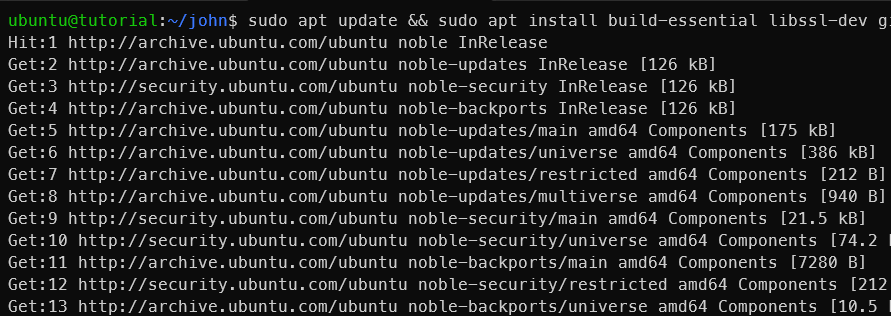
Figure 4: Installing dependencies
b. Clone and build from source:
Now compiler the source code.
bashgit clone https://github.com/openwall/john.git cd john/src ./configure && make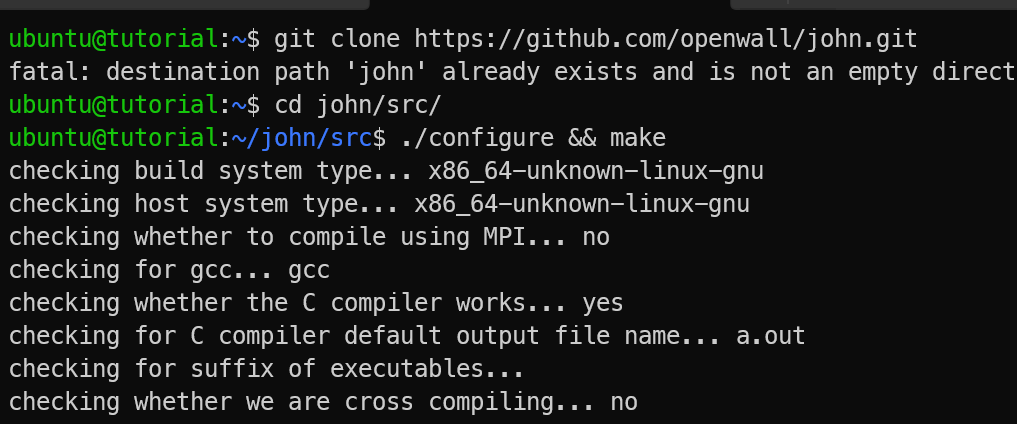
Figure 5: Building & Installing John the Ripper
c. Verify the installation:
After installation, you can verify it by typing:
bashcd ../run/ ./john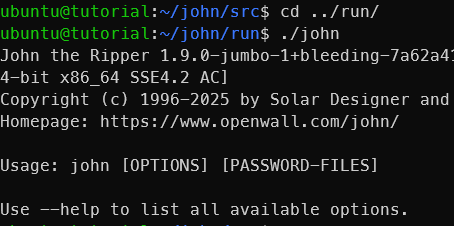
Figure 6: Verifying installation
John Jumbo
With the compiled version, you can now use the Jumbo features. Inside the run directory, you will find the main john executable along with utilities like zip2john and gpg2john.
bashcd ../run/ ls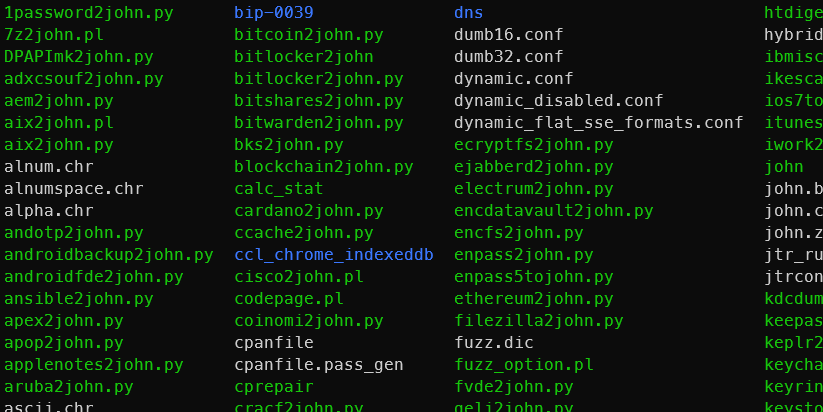
Figure 7: John the Ripper run directory
You can try online alternatives for these utilities (John Jumbo) at KeyDecryptor's website:
References