John the Ripper vs Hashcat: Which Password Cracking Tool Should You Use?
2026-05-24 · 5 min read
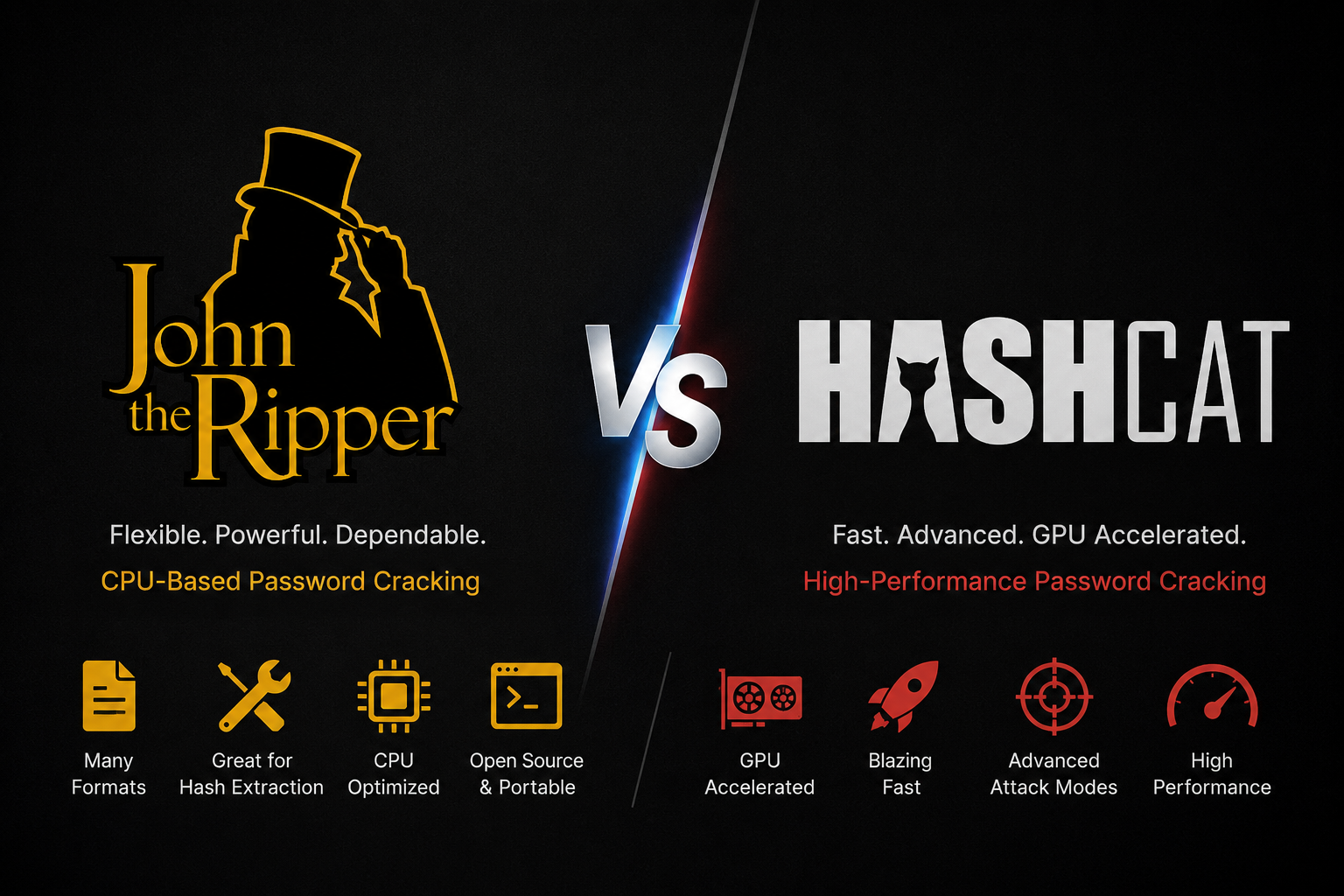
Figure 1: John the Ripper vs Hashcat
Description
John the Ripper and Hashcat are two of the most popular password cracking tools used by security researchers, penetration testers, CTF players, and system administrators.
Both tools can recover passwords from hashes, but they are designed with different strengths.
John the Ripper is known for flexibility, broad format support, and strong CPU-based cracking workflows. Hashcat is known for high-speed GPU cracking, advanced attack modes, and performance on large hash lists.
This guide compares John the Ripper and Hashcat in a practical way so you can decide which tool fits your workflow.
What is John the Ripper?
John the Ripper, often called John, is a password cracking tool used to test password strength and recover passwords from many different hash formats.
It is widely used because it supports many formats and works well on standard systems without needing a dedicated GPU.
John is commonly used for:
- Cracking Linux password hashes
- Auditing weak passwords
- Working with converted file hashes
- Cracking SSH, ZIP, Office, PDF, and other extracted hashes
- Running wordlist and rule-based attacks
- Handling formats produced by tools like zip2john, ssh2john, office2john, and pdf2john
John is especially useful when you have a hash format that needs preprocessing or conversion before cracking.
What is Hashcat?
Hashcat is a high-performance password recovery tool focused on speed, GPU acceleration, and advanced cracking modes.
It is commonly used when performance matters, especially with large hash lists or strong hardware.
Hashcat is commonly used for:
- GPU-based password cracking
- Large hash cracking jobs
- Dictionary attacks
- Mask attacks
- Hybrid attacks
- Rule-based attacks
- NTLM, MD5, SHA, WPA, Kerberos, bcrypt, and many other formats
Hashcat is often the preferred choice when you already know the hash mode and want maximum cracking speed.
John the Ripper vs Hashcat: Main Difference
John the Ripper is flexible and format-friendly.
Hashcat is fast and GPU-focused.
| Feature | John the Ripper | Hashcat |
|---|---|---|
| Main strength | Format support and flexibility | GPU speed and attack modes |
| Best hardware | CPU, also supports GPU in some builds | GPU-focused |
| Beginner friendly | Easier for many file hash workflows | Easier if hash mode is known |
| File hash extraction | Strong ecosystem with *2john tools | Usually needs extracted hash first |
| Rule-based attacks | Supported | Supported |
| Mask attacks | Supported | Very strong |
| Large cracking jobs | Good | Excellent |
| CTF usage | Very useful | Very useful |
| Best for | Mixed formats and converted hashes | High-speed cracking at scale |
When Should You Use John the Ripper?
Use John the Ripper when you need flexibility or when the hash comes from a file.
Good examples include:
- Cracking Linux shadow hashes
- Cracking ZIP files with zip2john
- Cracking SSH private keys with ssh2john
- Cracking Office files with office2john
- Cracking PDF files with pdf2john
- Testing many different hash formats
- Working on a machine without a powerful GPU
- Solving CTF challenges where the format is unusual
John is also helpful when you are not sure about the exact hash format because it can often detect or handle many formats directly.
When Should You Use Hashcat?
Use Hashcat when speed matters and you know the hash type.
Good examples include:
- Cracking NTLM hashes
- Cracking MD5 or SHA hashes
- Running GPU-accelerated dictionary attacks
- Running mask attacks such as ?l?l?l?l?d?d
- Testing huge wordlists
- Cracking large hash dumps
- Running hybrid attacks with wordlists and masks
- Working with known Hashcat modes
Hashcat is a strong choice when you have a supported GPU and want faster results.
Example Workflow: ZIP Password Recovery
Suppose you have a password-protected ZIP file.
With John the Ripper, the workflow is usually:
zip2john protected.zip > zip.hash
john zip.hash --wordlist=rockyou.txt
With Hashcat, you may first need to extract the ZIP hash into a Hashcat-compatible format, then run the correct mode.
In this case, John is often easier for beginners because the *2john tools make file-to-hash extraction simple.
Example Workflow: NTLM Hash Cracking
Suppose you have an NTLM hash from an authorized lab or internal audit.
With Hashcat, the workflow is direct:
hashcat -m 1000 hashes.txt rockyou.txtWith John, you can also crack NTLM hashes:
john --format=NT hashes.txt --wordlist=rockyou.txtFor NTLM, Hashcat is usually faster on a good GPU, especially when cracking many hashes.
Wordlist Attack Comparison
Both John and Hashcat support wordlist attacks.
John example:
john hashes.txt --wordlist=rockyou.txtHashcat example:
hashcat -m 0 hashes.txt rockyou.txtThe main difference is that Hashcat requires the correct mode, while John often works with format names or automatic detection depending on the hash.
Rule Attack Comparison
Rules modify words from a wordlist to generate more password candidates.
For example, a rule can turn:
passwordinto:
Password
password1
password2026
P@ssword
Both tools support rules, but Hashcat is commonly used for fast GPU rule attacks.
Hashcat example:
hashcat -m 1000 hashes.txt rockyou.txt -r rules/best64.ruleJohn example:
john hashes.txt --wordlist=rockyou.txt --rulesMask Attack Comparison
Mask attacks are useful when you know the password pattern.
For example, if you think the password is four lowercase letters followed by two digits:
?l?l?l?l?d?dHashcat is very strong for mask attacks:
hashcat -m 1000 hashes.txt ?l?l?l?l?d?dJohn also supports mask mode:
john hashes.txt --mask=?l?l?l?l?d?dHashcat is usually preferred when running large mask attacks on GPU hardware.
File Hash Extraction: Where John Wins
One major reason people use John the Ripper is its ecosystem of conversion tools.
Examples include:
- zip2john
- rar2john
- ssh2john
- office2john
- pdf2john
- keepass2john
- gpg2john
- bitcoin2john
These tools convert protected files into hash formats that John can crack.
This is useful in CTFs, password audits, and forensic investigations where the password is protecting a file instead of appearing as a simple hash string.
GPU Cracking: Where Hashcat Wins
Hashcat is usually the better choice when you have a supported GPU and a known hash mode.
It can test a huge number of password candidates quickly, especially for fast hashes such as MD5, NTLM, and SHA variants.
Hashcat is often used for:
- Large hash dumps
- NTLM cracking
- WPA handshake cracking
- Kerberos cracking
- Mask attacks
- Hybrid wordlist attacks
- Rule-based cracking at scale
For serious performance, Hashcat is usually the first choice.
Which Tool is Better for Beginners?
John the Ripper is often easier when the input comes from files.
Hashcat is often easier when you already know the hash mode.
If you are just starting:
- Use John for ZIP, SSH, Office, PDF, and other file-based hashes.
- Use Hashcat for NTLM, MD5, SHA, bcrypt, WPA, and known hash modes.
- Use a hash identifier when you are not sure what type of hash you have.
- Keep both tools installed because real workflows often need both.
Which Tool is Better for CTFs?
Both are excellent for CTFs.
John is useful because many CTF challenges involve files, archives, private keys, or unusual formats.
Hashcat is useful because many CTF challenges involve raw hashes, known hash modes, and password patterns.
A common CTF workflow is:
- Extract the hash with a *2john tool.
- Try cracking with John.
- If the hash is compatible and speed matters, move to Hashcat.
- Use rules, masks, and custom wordlists to improve results.
Which Tool is Better for Security Audits?
For professional password audits, Hashcat is often preferred for performance.
However, John is still valuable because of its format support and conversion tools.
A practical audit setup usually includes both:
- John for extraction and flexible format handling
- Hashcat for fast GPU cracking
- Custom wordlists based on the organization
- Rules and masks based on real password patterns
- Careful authorization and secure handling of sensitive data
Safety and Legal Note
Password cracking tools should only be used on systems, hashes, files, and accounts you are authorized to test.
These tools are useful for security training, internal audits, password recovery, CTF labs, and defensive research. Using them against systems or data without permission can be illegal and harmful.
John the Ripper vs Hashcat: Quick Decision Guide
Use John the Ripper if:
- You are working with file-based hashes
- You need *2john extraction tools
- You do not have a strong GPU
- You want flexible format handling
- You are solving CTF challenges with unusual formats
Use Hashcat if:
- You have a GPU
- You know the hash mode
- You need maximum speed
- You are cracking large hash lists
- You want strong mask and hybrid attack workflows
Final Thoughts
John the Ripper and Hashcat are not enemies. They are complementary tools.
John is great for flexibility, file hash extraction, and broad password cracking support.
Hashcat is great for speed, GPU acceleration, and large cracking jobs.
For real-world security work, CTFs, labs, and password audits, the best answer is simple: learn both. Use John when you need extraction and flexibility. Use Hashcat when you need performance and scale.