How to Generate a SHA-256 Hash in Python
2026-06-24 · Updated 2026-06-25 · 5 min read
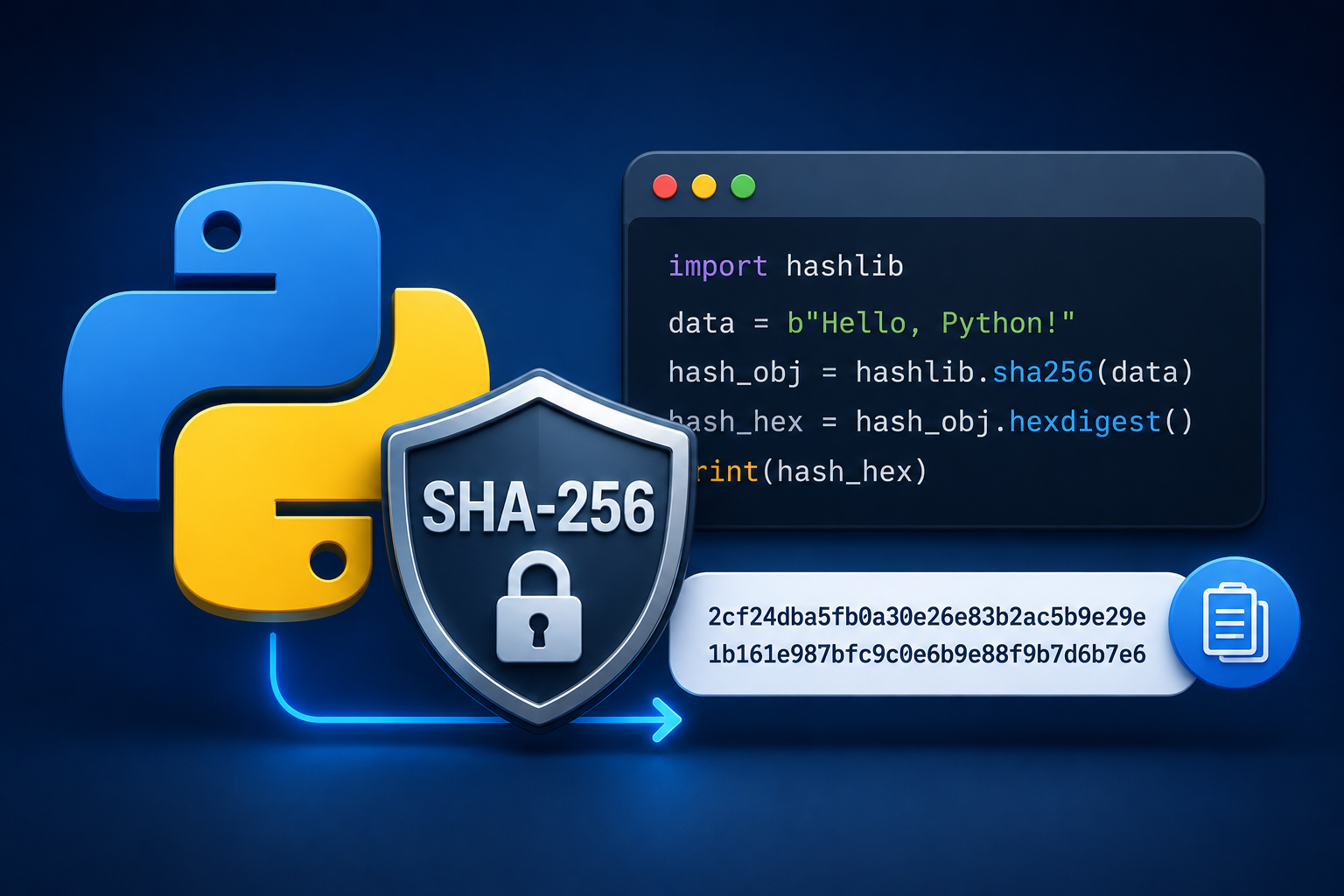
Figure 1: Generating a SHA-256 hash in Python
SHA-256 produces a 256-bit (32-byte) fingerprint of any input, usually shown as 64 hexadecimal characters. It is the workhorse behind file checksums, digital signatures, TLS certificates and Bitcoin. Python's standard library handles it with no external packages.
Run any snippet below in the free Python Executor playground.
Hash a string with hashlib
hashlib works on bytes, so encode your string first, then read the digest as hex.
import hashlib

text = "hello"
digest = hashlib.sha256(text.encode("utf-8")).hexdigest()
print(digest)
# 2cf24dba5fb0a30e26e83b2ac5b9e29e1b161e5c1fa7425e73043362938b9824
The output is always 64 hex characters, no matter how long the input is. Change a single character of the input and the entire digest changes.
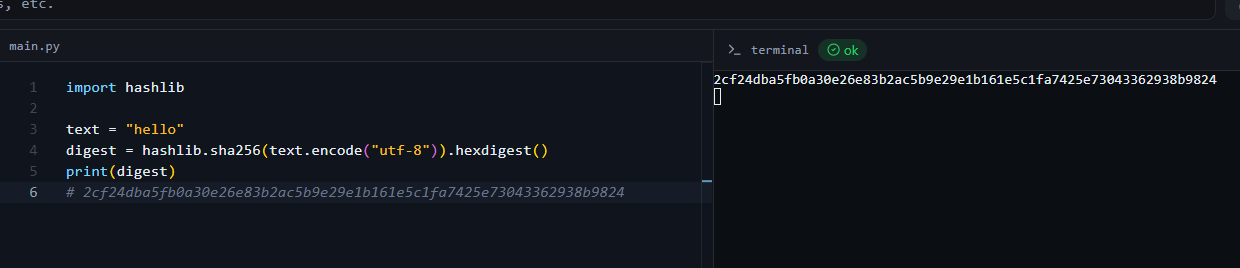
Figure 2: A 64-character SHA-256 digest in the online compiler
hexdigest vs digest vs Base64
import hashlib, base64

h = hashlib.sha256(b"hello")

print(h.hexdigest())                              # 64 hex chars
print(h.digest())                                 # raw 32 bytes (b'...')
print(base64.b64encode(h.digest()).decode()) # Base64 form| Method | Output | Use it for |
|---|---|---|
hexdigest() |
64 hex characters | logs, checksums, display |
digest() |
32 raw bytes | further crypto operations |
base64.b64encode(h.digest()) |
Base64 string | compact storage, headers |
Hash a large file efficiently
Do not read a multi-gigabyte file into memory. Stream it in chunks and update the hash as you go.
import hashlib

def sha256_file(path: str) -> str:
    h = hashlib.sha256()
    with open(path, "rb") as f:
        for chunk in iter(lambda: f.read(65536), b""):
            h.update(chunk)
    return h.hexdigest()

print(sha256_file("ubuntu.iso"))
This is exactly how you verify a download against a published checksum.
Other SHA variants
hashlib exposes the whole family. Just swap the constructor.
import hashlib

print(hashlib.sha1(b"hello").hexdigest())     # 160-bit (weak, avoid)
print(hashlib.sha256(b"hello").hexdigest())   # 256-bit (recommended)
print(hashlib.sha512(b"hello").hexdigest())   # 512-bit
A warning about passwords
SHA-256 is fast, and that is exactly why it is the wrong tool for storing passwords on its own. Attackers can compute billions of plain SHA-256 hashes per second.
At minimum add a unique random salt per user:
import hashlib, os

salt = os.urandom(16)
password = "S3cur3P@ss".encode("utf-8")
digest = hashlib.sha256(salt + password).hexdigest()
For real password storage, prefer a slow, salted algorithm such as bcrypt, scrypt or Argon2 instead of a bare hash. SHA-256 is best for integrity and fingerprints, not passwords.
Generate a SHA-256 hash online (no code)
Need a quick hash without writing Python? Use the KeyDecryptor SHA-256 generator in your browser.
Frequently Asked Questions
Can you decrypt a SHA-256 hash?
No. SHA-256 is a one-way function. There is no key and no inverse. The only "reversal" is guessing inputs and hashing them until one matches, which is why long, unique inputs are safe.
Why is my hash a different length than expected?
A SHA-256 hex digest is always 64 characters. If you see 32, you printed the raw digest() (32 bytes) instead of hexdigest().
Do I need to install anything?
No. hashlib is part of the Python standard library.
Should I use SHA-256 to store passwords?
Not by itself. Use a slow, salted password hash like bcrypt, scrypt or Argon2. Plain SHA-256 is too fast to resist brute-force cracking.
How do I get the same hash as sha256sum on Linux?
Hash the file's bytes with the streaming example above. hashlib.sha256 of a file's contents matches sha256sum exactly.