10 Encodings Every CTF Player Should Recognize on Sight
2026-10-12 · 6 min read
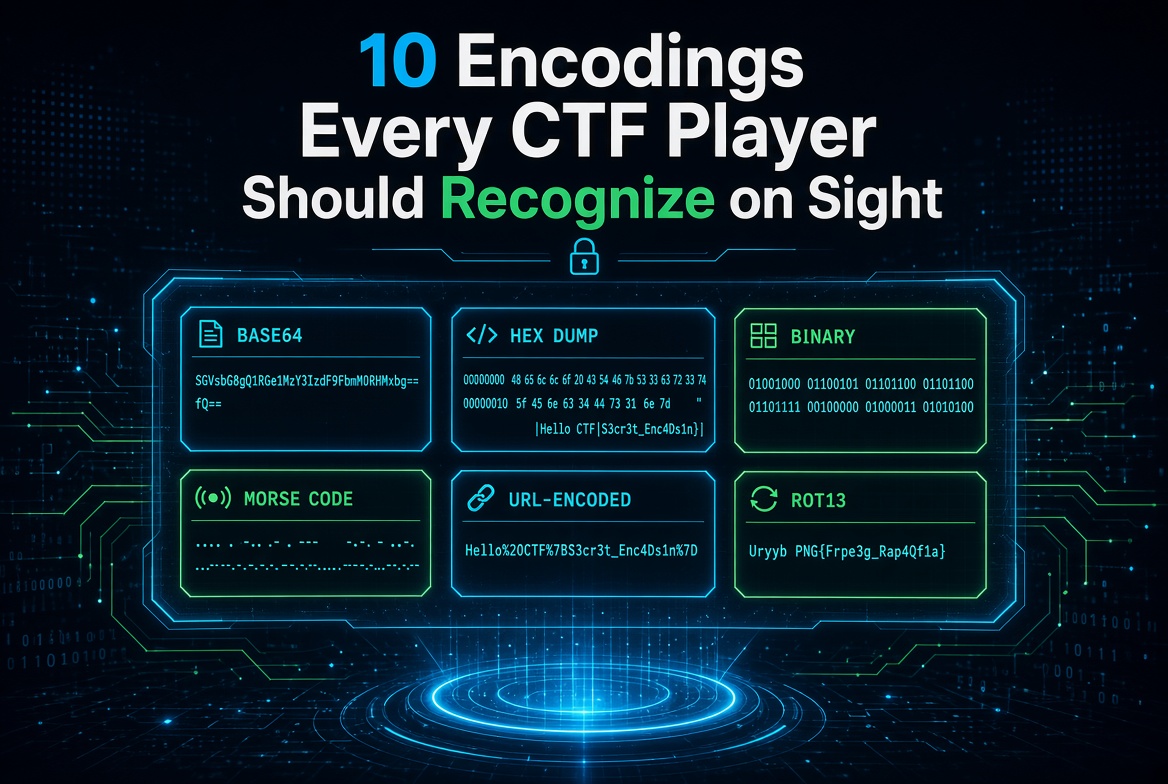
Figure 1: Spotting common encodings at a glance
Why recognition speed matters
Half the battle in a crypto or forensics CTF challenge is naming the format in front of you. Once you know whether a blob is Base64, hex, or Morse, decoding takes seconds. Guess wrong and you waste the clock.
This guide walks through ten encodings you will meet constantly, each with the visual tell that gives it away and a quick example. Every one has a matching tool on KeyDecryptor, all running in your browser.
Stuck on something that looks like a hash rather than an encoding? Feed it to the hash identifier to narrow it down first.
1. Base64
The tell: mixed uppercase, lowercase, digits, plus + and /, usually ending in one or two = signs. Length is a multiple of 4.
SGVsbG8sIENURiE=The trailing = padding is the giveaway. Decode it with the Base64 tool.
2. Hexadecimal
The tell: only the characters 0-9 and a-f, always an even length. Often spaced in pairs or prefixed with 0x.
48 65 6c 6c 6fEach pair is one byte. Convert it with the base converter.
3. Base32
The tell: uppercase letters A-Z and digits 2-7 only, no lowercase, padded with =. It looks shoutier and longer than Base64.
JBSWY3DPEBLW64TMMQ======The restricted alphabet and heavy padding set it apart. Handle it with the base-X tool.
4. URL percent-encoding
The tell: readable text sprinkled with % followed by two hex digits, such as %20 for a space or %3D for =.
flag%7Bhello_ctf%7DDecode it with the URL encoder and decoder.
5. ROT13 and Caesar shifts
The tell: the text looks like scrambled English with normal word lengths and spacing. Letter patterns survive the shift, so short words stay short.
synt{ebg13_vf_rnfl}Try every rotation at once with the ROT and Caesar tool.
6. Binary
The tell: nothing but 0 and 1, usually in groups of eight.
01000011 01010100 01000110Each 8-bit group is one ASCII character. Convert it with the base converter.
7. Decimal ASCII codes
The tell: space-separated or comma-separated numbers, most landing between 32 and 126, the printable ASCII range.
72 101 108 108 111Map the numbers back to letters with the base converter.
8. Morse code
The tell: only dots, dashes, spaces, and sometimes slashes between words. Unmistakable once you see it.
.... . .-.. .-.. ---Translate it instantly with the Morse code tool.
9. Base58
The tell: alphanumeric with no 0, O, I, or l, those easily confused characters are dropped. Common in Bitcoin addresses and short IDs.
9AjdvzrThe missing look-alike characters are the clue. Decode it with the base-X tool.
10. Zero-width and invisible characters
The tell: text that looks normal or empty but hides data in zero-width spaces and joiners. A suspicious length or an odd copy-paste is often the only hint.
Reveal and extract the hidden payload with the zero-width tool.
A quick identification habit
When a blob stumps you, run through these checks in order:
- Only 0 and 1? Binary.
- Only dots and dashes? Morse.
- Only
0-9a-f, even length? Hex. - Uppercase with
2-7? Base32. - Ends in
=, mixed case with+/? Base64. - Looks like shifted English? A Caesar family cipher.
Layered challenges stack these, so decode one layer, look again, and repeat. Keep the KeyDecryptor tools open in a tab and you can peel a multi-stage challenge apart in minutes.
Final thoughts
Recognition is a skill that compounds. The more challenges you solve, the faster these tells jump out, until naming an encoding becomes instant. Bookmark this page, keep the decoders handy, and spend your CTF time solving rather than guessing.